Your Smart Gun build and accessory selections can be edited as many times as needed before your order is finalized. Changes to your build will not affect your manufacturing timeline, and final payment is collected when your order is finalized.
The timeframe between placing a reservation deposit and order finalization varies, and Biofire will reach out to you when your Smart Gun is ready to move into production. During this period, your Smart Gun build remains flexible for customization. You can make changes:
- At any time after placing your reservation
- As many times as you need before finalization
- One final time during finalization of your order
Once your order is finalized and it enters the manufacturing process, your Smart Gun configuration is locked in and cannot be changed.
How to Edit Your Build
Making changes to your Smart Gun build is straightforward:
- Log into your account
Visit smartgun.com/account and sign in with your credentials associated with your reservation.
- Navigate to Orders
Scroll down to the "Orders" section where you'll see all your reservations and orders displayed.
- Access your reservation details
Click the "Details" button on the reservation you want to modify. This brings up a page that summarizes your reservation information and current build.
- Edit your build
"Edit Build" button on the reservation details page. Click this to access the full configuration interface.
What Can Be Changed
When editing your Smart Gun build, you can modify:
- Colorways
Choose different colors for your polymer sections and other components
- Handedness
Switch between left-hand and right-hand configurations
- Serial Number
Opt for a custom serial number (additional fee may apply) or revert to a standard serial number
- Accessory Selections
Add, remove or update quantities for accessories like additional magazines, hard case, or other compatible accessories
When you are finished with your updates, you will see the option to "Update” with your reservation number. Click the button to make the changes, and you'll receive a confirmation email with your updated build specifications.
Reservations vs. Saved Builds
Visit smartgun.com/build at any time to explore different configurations and customize a Smart Gun with various colors, accessories, handedness options, and more without placing a deposit.
At the bottom of the page, you'll find a "Save Build" button that stores your configuration to your account. Saving a build does not create an order or reservation; this simply saves your design preferences for future reference. Saved Builds do not secure a spot in the manufacturing queue unless they are converted into a reservation.
You can convert your saved builds into reservations at any time by clicking "Reserve Now" and following the steps to reserve.
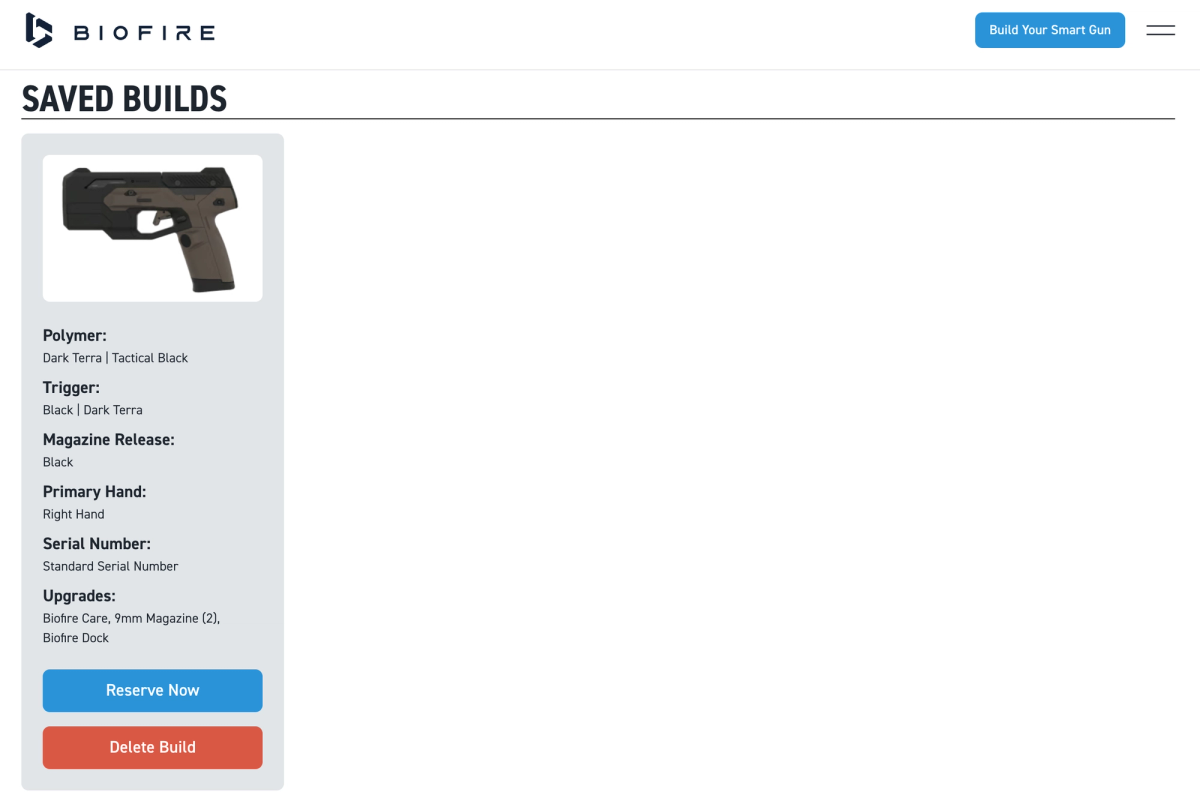
You can view all your saved builds as well as any actual reservations that have deposits attached to them on your account page at smartgun.com/account. Saved builds and active reservations can be updated at any time, including color changes, accessory swaps, and other configuration adjustments.
Even if you make changes to your actual reservation, note that your choices are not locked in until Biofire invites you to finalize your order. You'll have the chance to review everything and confirm that your chosen configuration is exactly what you want before Biofire begins manufacturing.
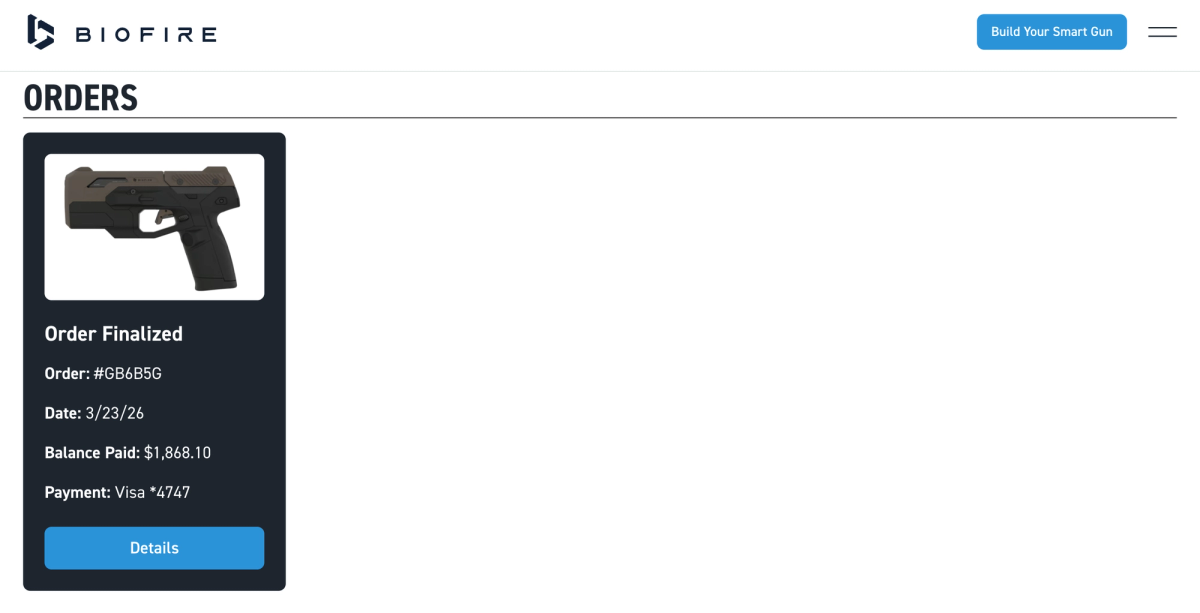
Lock in Your Build Updates at Finalization
When it's time to finalize your order and complete your final payment, you'll have one last opportunity to review and modify your build before production begins. You are locking in your Smart Gun configuration and associated accessories when you finalize your order. These finalized builds are sent directly to the production team and cannot be changed once submitted.
At this stage, you'll also:
- Review final pricing including any upgrades or accessories
- Complete the remaining balance payment
- Confirm your shipping address for Biofire to send your Grip Sizing Kit and Accessories
Please refer to the Finalizing Your Smart Gun Order article to learn more about the finalization process.
After finalization, your order enters Biofire's production queue with your locked-in configuration.
Federal, state, and local laws may change from time-to-time and limit availability of certain customizations, including color choices.